

As an Amazon Associate we earn from qualifying purchases. Our picks are based on independent research; see our Affiliate Disclaimer.
A smart strip lets you turn off a TV, lamp or chargers from your phone or on a schedule. The best smart power strip for beginners should set up easily, control each outlet on its own and include surge protection.
We compared smart power strips from Kasa, Amazon Basics, Meross, Feit using listing specifications and manufacturer information: outlet count, individual control, surge protection, USB ports and app ecosystem. Prices on Amazon change often, so confirm the current price and seller before you buy.
Quick Answer: The Best Smart Power Strip For Beginners
- Best Overall: Kasa Smart Plug Power Strip HS300, Surge Protector with 6 Outlets
- Best for Alexa: Amazon Basics Smart Plug Power Strip with 6 Individually Controlled Outlets
- Best Compact: Kasa Smart Plug Power Strip KP303, 3 Outlets
- Best for HomeKit: Meross WiFi Smart Plug Power Strip, Flat Outlet 15A
- Best USB: Feit Electric Smart Power Strip
Kasa’s HS300 is our beginner pick with six individually controlled outlets. Amazon Basics is easiest for Alexa homes.
Best Smart Power Strip For Beginners Comparison Table
Compare the picks by type and key feature.
| Product | Best For | Type | Key Feature | Buy |
|---|---|---|---|---|
| Kasa Smart Plug Power Strip HS300, Surge Protector with 6 Outlets | Best Overall | Smart strip with monitoring | 6 smart outlets | Check Price ↗ |
| Amazon Basics Smart Plug Power Strip with 6 Individually Controlled Outlets | Best for Alexa | Alexa strip | Alexa | Check Price ↗ |
| Kasa Smart Plug Power Strip KP303, 3 Outlets | Best Compact | Compact smart strip | 3 outlets | Check Price ↗ |
| Meross WiFi Smart Plug Power Strip, Flat Outlet 15A | Best for HomeKit | Flat-plug strip | HomeKit | Check Price ↗ |
| Feit Electric Smart Power Strip | Best USB | Smart strip | Feit app | Check Price ↗ |
The 5 Best Picks: Best Smart Power Strip for Beginners
These are our picks for the best smart power strip for beginners, with what each one does best.

Kasa Smart Plug Power Strip HS300, Surge Protector with 6 Outlets
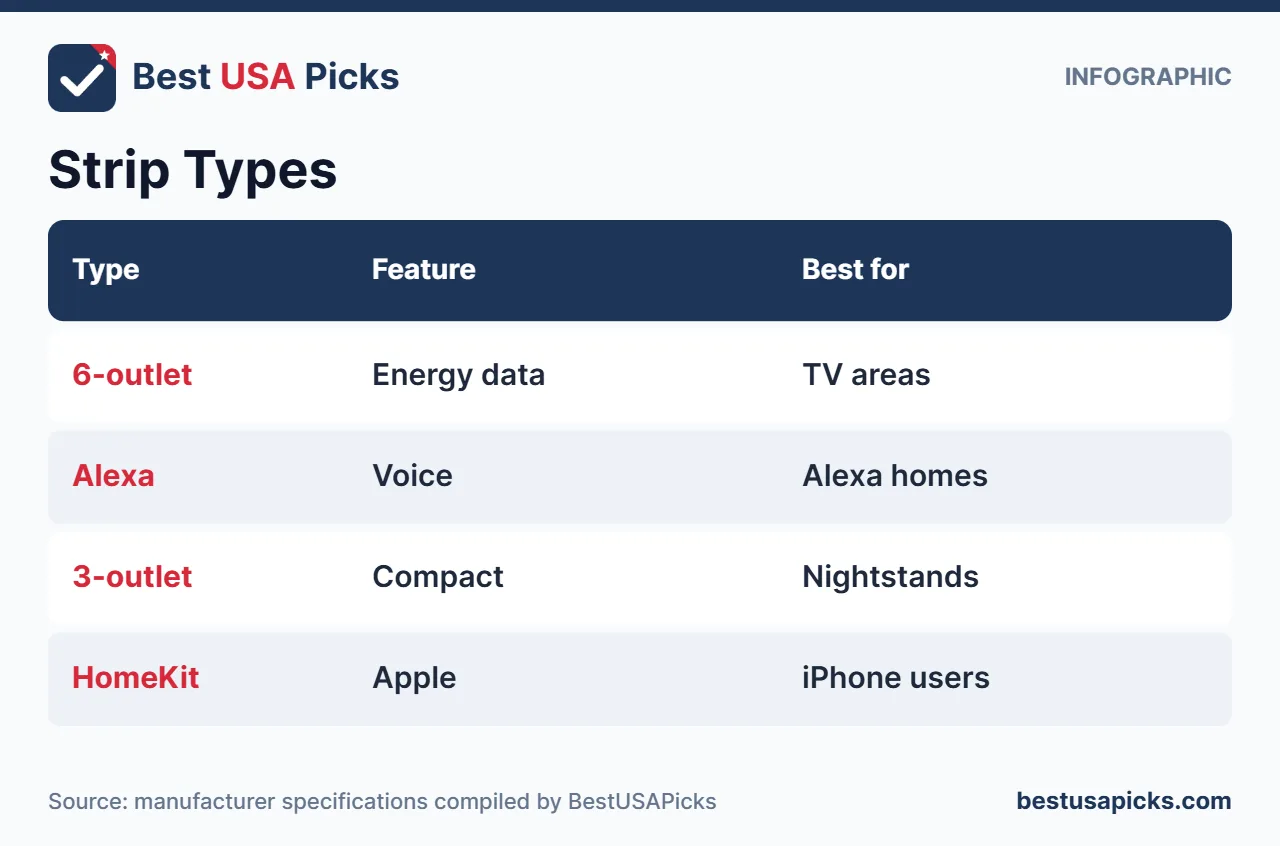
1. 6 outlets, energy data.
👍 Pros & Cons
Pros
- Each outlet controlled
- Energy data
- Known brand
Cons
- App setup
- 2.4 GHz Wi-Fi
📄 Detailed Review
- 6 outlets per listing
- Energy monitoring per listing
- Surge protector
- 3 USB
Each outlet switches on its own per listing.
Energy monitoring per listing.
See the Kasa Smart Plug Power Strip HS300, Surge Protector with 6 Outlets on Amazon ↗

Amazon Basics Smart Plug Power Strip with 6 Individually Controlled Outlets
2. Simple Alexa setup.
👍 Pros & Cons
Pros
- Easy Alexa setup
- Six outlets
- Value
Cons
- Alexa focused
- Check USB
📄 Detailed Review
- 6 outlets per listing
- Alexa
- Individually controlled
- Surge protection per listing
Simple Alexa setup per listing.
Six outlets.
See the Amazon Basics Smart Plug Power Strip with 6 Individually Controlled Outlets on Amazon ↗

Kasa Smart Plug Power Strip KP303, 3 Outlets
3. 3 outlets for a nightstand.
👍 Pros & Cons
Pros
- Compact
- Value
- Known brand
Cons
- Fewer outlets
- App setup
📄 Detailed Review
- 3 outlets per listing
- Surge protector
- 2 USB
- Smart
Three smart outlets per listing.
Fits a nightstand.
See the Kasa Smart Plug Power Strip KP303, 3 Outlets on Amazon ↗

Meross WiFi Smart Plug Power Strip, Flat Outlet 15A
4. Flat plug, HomeKit.
👍 Pros & Cons
Pros
- Flat plug
- HomeKit
- Compact
Cons
- App setup
- Check outlets
📄 Detailed Review
- Flat plug per listing
- 15A
- Smart outlets
- HomeKit per listing
Flat plug fits behind furniture.
HomeKit support per listing.
See the Meross WiFi Smart Plug Power Strip, Flat Outlet 15A on Amazon ↗

5. USB ports included.
👍 Pros & Cons
Pros
- Known brand
- USB
- Simple
Cons
- App needed
- Check outlet count
📄 Detailed Review
- Smart outlets per listing
- Surge protection
- USB
- App
Feit app control per listing.
USB ports for phones.
How We Chose the Best Smart Power Strip For Beginners
To choose the best smart power strip for beginners, we compared outlet count, individual control, surge protection, USB ports and app ecosystem from Amazon listings and manufacturer pages, then scored each product for first smart-home setups. Scores are our BUP Score, not Amazon star ratings.
We did not run hands-on lab tests for this page. Prices on Amazon change often, so confirm the current price and seller before you buy. Our method is on How We Test.
How to Choose the Best Smart Power Strip for Beginners
What to look for before you buy:
Ecosystem
Match your assistant: Alexa, Google Home or Apple HomeKit.
Control
Individually controlled outlets give the most flexibility.
Surge
Check joule ratings for electronics.
Wi-Fi
Many strips need 2.4 GHz Wi-Fi.
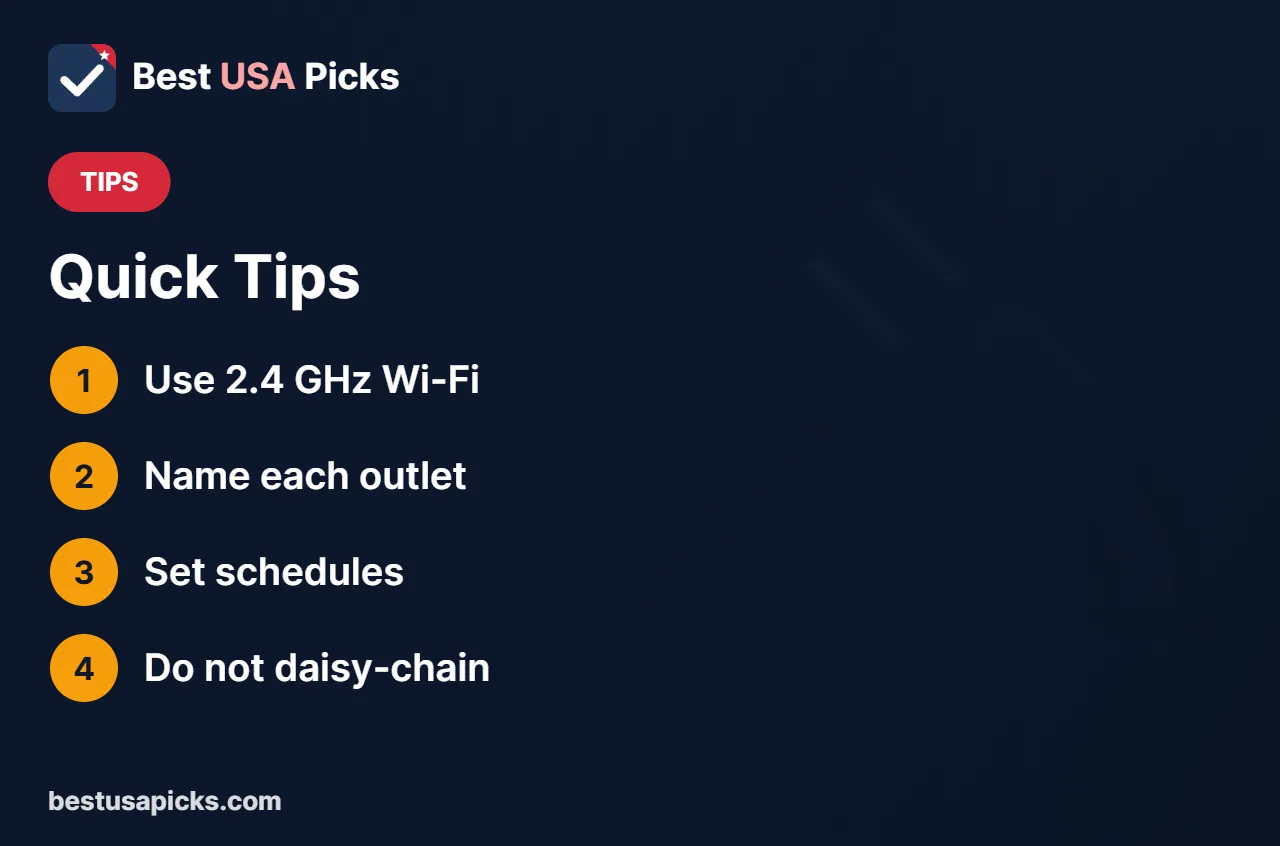
Quick Tips
- Use 2.4 GHz Wi-Fi
- Name each outlet
- Set schedules
- Do not daisy-chain
Quick answers about the best smart power strip for beginners:
Frequently Asked Questions
What is the best smart power strip for beginners?
Our pick for the best smart power strip for beginners is the Kasa Smart Plug Power Strip HS300, Surge Protector with 6 Outlets. 6 outlets, energy data.
Do smart strips save energy?
Schedules turn devices fully off, which can cut standby power.
Can I use one for a heater?
No. Plug space heaters straight into the wall.
Do they need a hub?
Most Wi-Fi strips do not.
Final Verdict
Our final pick for the best smart power strip for beginners is the Kasa Smart Plug Power Strip HS300, Surge Protector with 6 Outlets. For Alexa homes choose the Amazon Basics Smart Plug Power Strip with 6 Individually Controlled Outlets, and for a compact strip choose the Kasa Smart Plug Power Strip KP303, 3 Outlets.
Related Guides
Keep exploring our Home & Kitchen buying guides:
- Best Electrical Outlet for Beginners: 5 USB and Standard Picks
- Best Uninterruptible Power Supply for Beginners: 5 Easy UPS Picks
- Best Outdoor Extension Cord for Beginners: 5 Safe Picks
- Best Generator Extension Cord for Beginners: 5 Safe 30A Picks
Prices and availability change frequently. Product details are based on manufacturer specifications at the time of writing; always confirm the latest information on Amazon before you buy.


