

As an Amazon Associate we earn from qualifying purchases. Our picks are based on independent research; see our Affiliate Disclaimer.
Three smart bulbs from three brands can mean three different apps. The best smart home hub for beginners should work with the assistant you already use, support Matter where possible and set up without technical skills.
We compared smart home hubs from Amazon, Google, Aqara, SmartThings, Home Assistant using listing specifications and manufacturer information: ecosystem, protocols (Matter, Zigbee, Z-Wave), setup, screen and local control. Prices on Amazon change often, so confirm the current price and seller before you buy.
Quick Answer: The Best Smart Home Hub For Beginners
- Best Overall: Amazon Echo Hub, Smart Home Control Panel
- Best for Google Users: Google Nest Hub 7 Inch Smart Display with Google Assistant (2nd Gen)
- Best Matter Hub: Aqara Smart Hub M200, Matter Controller with Zigbee
- Best Device Support: SmartThings Hub 3rd Generation, Smart Home Automation
- Best Local Control: Home Assistant Green, Smart Home Hub with Advanced Automation
Amazon’s Echo Hub is our pick for Alexa homes that want one screen for everything. Google users should choose a Nest Hub; tinkerers can choose Home Assistant Green.
Best Smart Home Hub For Beginners Comparison Table
Compare the picks by type and key feature.
| Product | Best For | Type | Key Feature | Buy |
|---|---|---|---|---|
| Amazon Echo Hub, Smart Home Control Panel | Best Overall | Control panel | Alexa panel | Check Price ↗ |
| Google Nest Hub 7 Inch Smart Display with Google Assistant (2nd Gen) | Best for Google Users | Smart display | Check Price ↗ | |
| Aqara Smart Hub M200, Matter Controller with Zigbee | Best Matter Hub | Matter hub | Matter | Check Price ↗ |
| SmartThings Hub 3rd Generation, Smart Home Automation | Best Device Support | Automation hub | Routines | Check Price ↗ |
| Home Assistant Green, Smart Home Hub with Advanced Automation | Best Local Control | Local hub | Local control | Check Price ↗ |
The 5 Best Picks: Best Smart Home Hub for Beginners
These are our picks for the best smart home hub for beginners, with what each one does best.

1. Alexa control panel.
👍 Pros & Cons
Pros
- Easy dashboard
- Alexa
- Wall mount
Cons
- Alexa ecosystem
- Price
📄 Detailed Review
- Wall/stand panel per listing
- Alexa
- Matter/Zigbee per listing
- Touchscreen
Alexa smart home panel per listing.
One screen for lights and locks.
See the Amazon Echo Hub, Smart Home Control Panel on Amazon ↗

Google Nest Hub 7 Inch Smart Display with Google Assistant (2nd Gen)
2. Smart display.
👍 Pros & Cons
Pros
- Simple
- Voice control
- Display
Cons
- Google ecosystem
- Fewer protocols
📄 Detailed Review
- 7 in per listing
- Google Assistant
- Smart display
Google smart display per listing.
Voice and screen control.
See the Google Nest Hub 7 Inch Smart Display with Google Assistant (2nd Gen) on Amazon ↗

Aqara Smart Hub M200, Matter Controller with Zigbee
3. Matter + Zigbee.
👍 Pros & Cons
Pros
- Matter support
- Aqara sensors
- Compact
Cons
- App learning
- Aqara-first
📄 Detailed Review
- Matter per listing
- Zigbee
- Wi-Fi
- Aqara
Matter hub with Zigbee per listing.
Works across ecosystems.
See the Aqara Smart Hub M200, Matter Controller with Zigbee on Amazon ↗

SmartThings Hub 3rd Generation, Smart Home Automation
4. SmartThings routines.
👍 Pros & Cons
Pros
- Broad device support
- Routines
- App
Cons
- Older model
- Setup time
📄 Detailed Review
- 3rd gen per listing
- Zigbee/Z-Wave per listing
- SmartThings
- Automation
SmartThings hub per listing.
Broad device support.
See the SmartThings Hub 3rd Generation, Smart Home Automation on Amazon ↗

Home Assistant Green, Smart Home Hub with Advanced Automation
5. Home Assistant Green.
👍 Pros & Cons
Pros
- Local control
- Powerful
- Privacy
Cons
- Learning curve
- Add-on radios
📄 Detailed Review
- Home Assistant per listing
- Local control
- Automation
- Plug and play per listing
Home Assistant Green per listing.
For tinkerers who want local control.
See the Home Assistant Green, Smart Home Hub with Advanced Automation on Amazon ↗
How We Chose the Best Smart Home Hub For Beginners
To choose the best smart home hub for beginners, we compared ecosystem, protocols (Matter, Zigbee, Z-Wave), setup, screen and local control from Amazon listings and manufacturer pages, then scored each product for beginners building a first smart home. Scores are our BUP Score, not Amazon star ratings.
We did not run hands-on lab tests for this page. Prices on Amazon change often, so confirm the current price and seller before you buy. Our method is on How We Test.
How to Choose the Best Smart Home Hub for Beginners
What to look for before you buy:
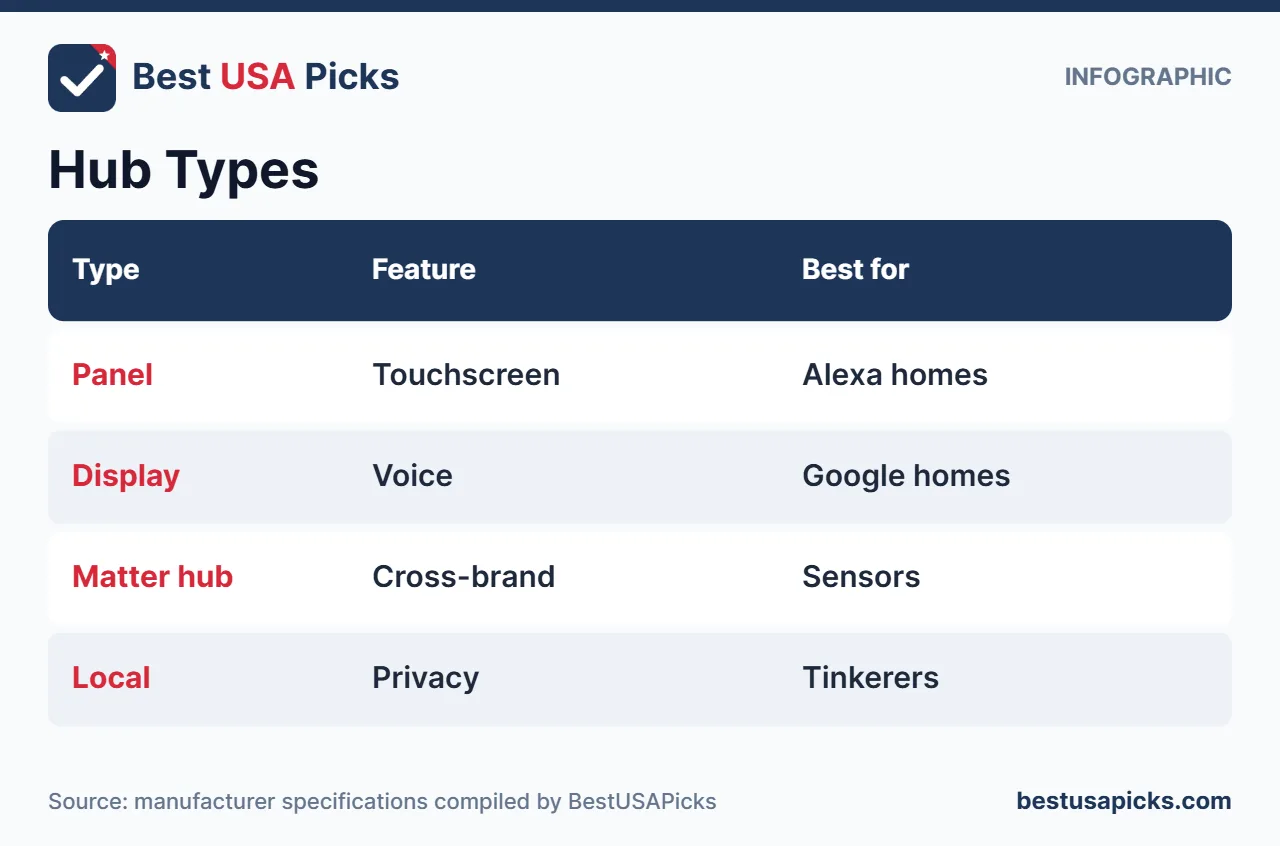
Ecosystem
Pick a hub that matches your voice assistant: Alexa, Google or Apple.
Protocols
Matter helps devices work across brands; Zigbee and Z-Wave devices need a hub with those radios.
Setup
App-guided hubs suit beginners; Home Assistant offers more control with more learning.
Privacy
Local-control hubs keep more processing at home.
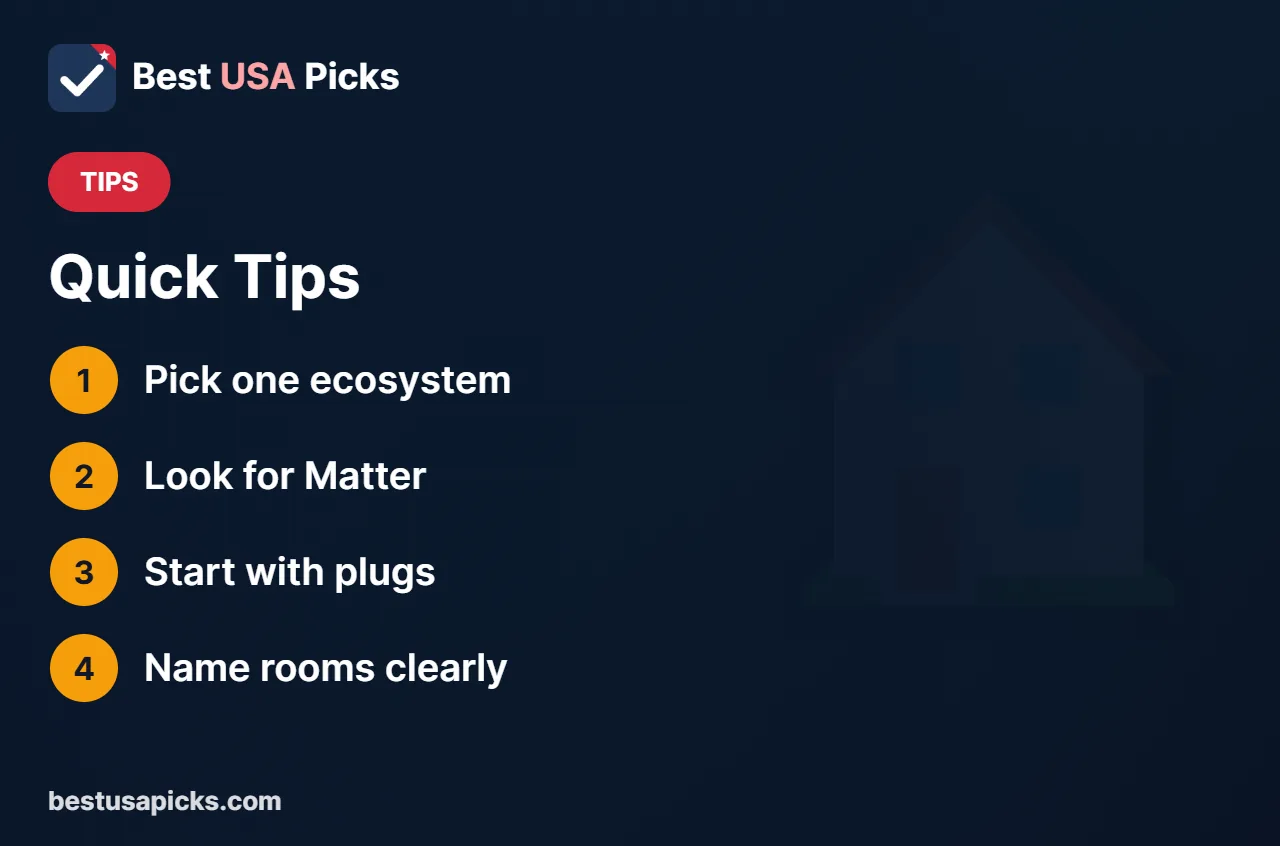
Quick Tips
- Pick one ecosystem
- Look for Matter
- Start with plugs
- Name rooms clearly
Quick answers about the best smart home hub for beginners:
Frequently Asked Questions
What is the best smart home hub for beginners?
Our pick for the best smart home hub for beginners is the Amazon Echo Hub, Smart Home Control Panel. Alexa control panel.
Do I need a smart home hub?
Not for Wi-Fi devices alone; a hub helps with Zigbee, Z-Wave and Matter devices.
What is Matter?
A standard that lets smart devices from different brands work together.
Which hub is easiest?
Echo Hub or Nest Hub, if you already use Alexa or Google.
Final Verdict
Our final pick for the best smart home hub for beginners is the Amazon Echo Hub, Smart Home Control Panel. For Google homes choose the Google Nest Hub 7 Inch Smart Display with Google Assistant (2nd Gen), and for Matter support choose the Aqara Smart Hub M200, Matter Controller with Zigbee.
Related Guides
Keep exploring our Home & Kitchen buying guides:
- Best Smart Water Leak Detector for Everyday Use: 5 Picks
- Best Home Security System for Everyday Use: 5 DIY Kits
- Best Smart Power Strip for Beginners: 5 App-Controlled Picks
- Best Electric Milk Frother for Beginners: 5 Easy Foam Picks
Prices and availability change frequently. Product details are based on manufacturer specifications at the time of writing; always confirm the latest information on Amazon before you buy.


